AI Maker
Turn a photo into a bead pattern
Pick a photo, choose a cartoon style, and get a bead-ready pattern you can keep editing with the same free tools. The AI step is paid and clearly marked — everything else stays free and on your device.
One photo. Four steps to your next make.
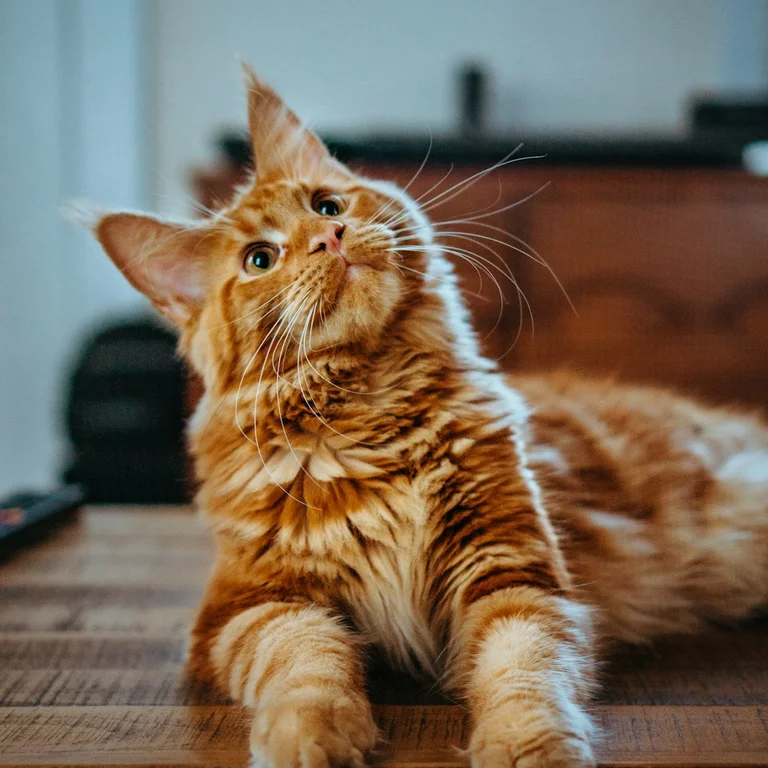
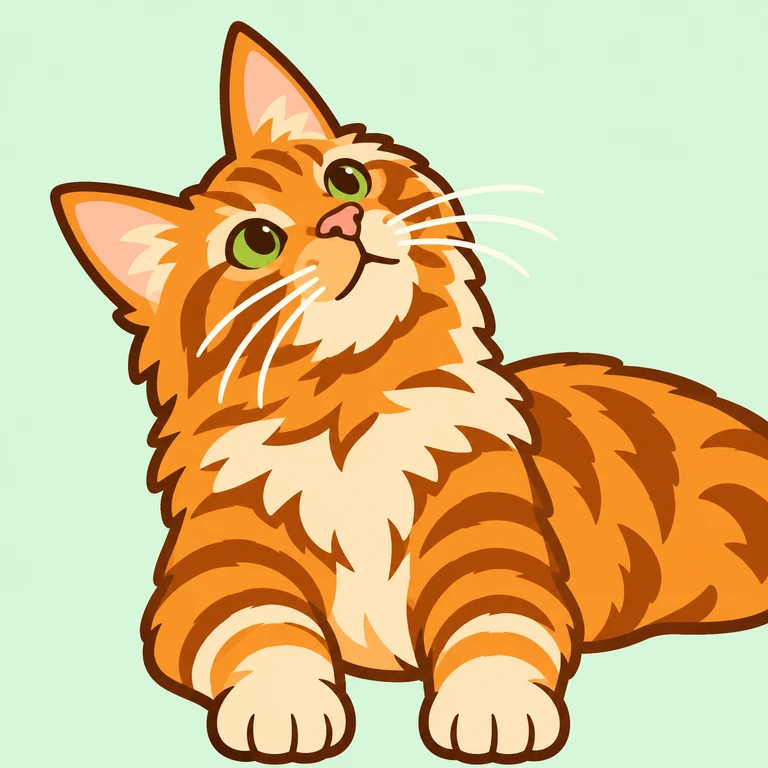
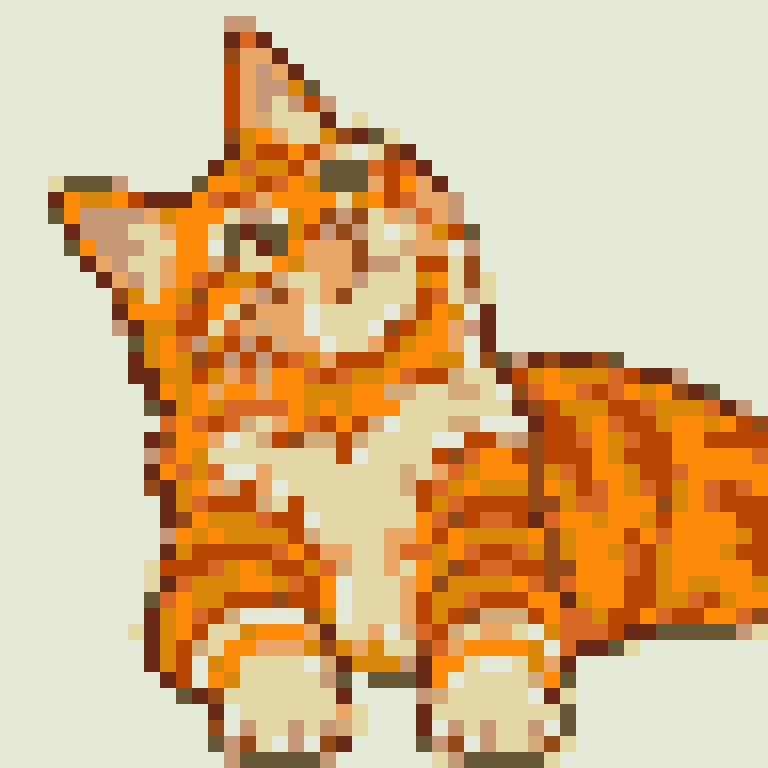
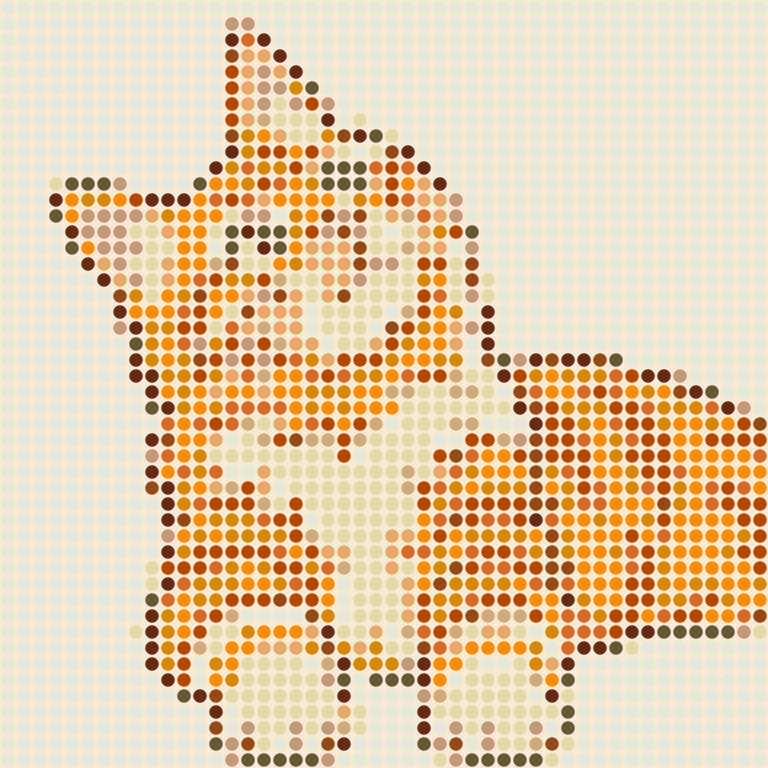
Follow this little tabby from photo to pattern, or drag to compare the result.
 PhotoBead preview
Start with a favorite photo. This orange tabby is our example.
48 × 48 beads · 12 colors · 2,304 beads
A pre-made AI-stylized example, not a live generation or a finished physical piece. Your results will vary. Bead colors are approximate.
Original photo by Amber Kipp on Unsplash · Photo license
STEP 1 · PHOTO
Pick a photo
The photo is cropped and resized on your device first. Nothing is uploaded until you explicitly confirm AI generation in step 3.
What's free, what's paid
- Always free: cropping, style settings, pixel-grid and bead preview on this page, and the full pattern maker — including projects made from AI results.
- Paid: only the cartoon generation itself, one credit per cartoon. Single-purchase credits never expire; subscription credits follow your plan’s allowance period. Failed generations restore the credit.
- Privacy: your photo is cropped and resized on your device and is uploaded only when you confirm AI generation. Cloud copies are deleted after 30 days.